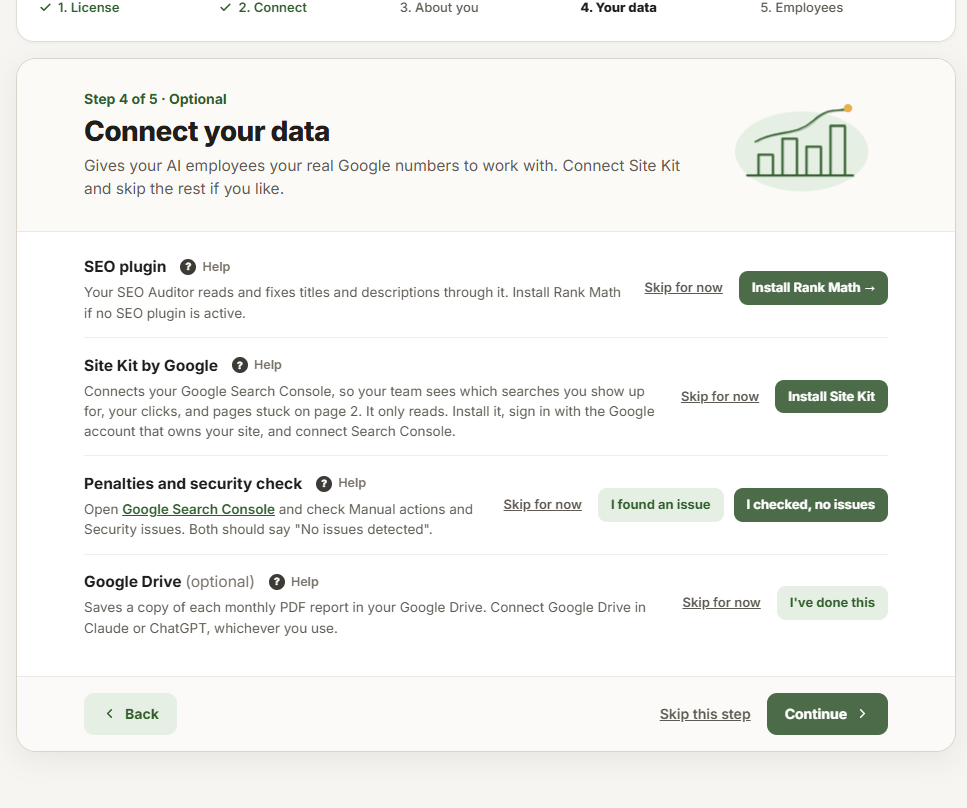
Step 4 of Getting started gives your employees real numbers to work with. Every part is optional, but Site Kit makes the biggest difference. 📈
SEO plugin
Your SEO Auditor reads and fixes your page titles and descriptions through an SEO plugin. Rank Math, Yoast SEO and All in One SEO all work. If one is active, this row ticks itself.
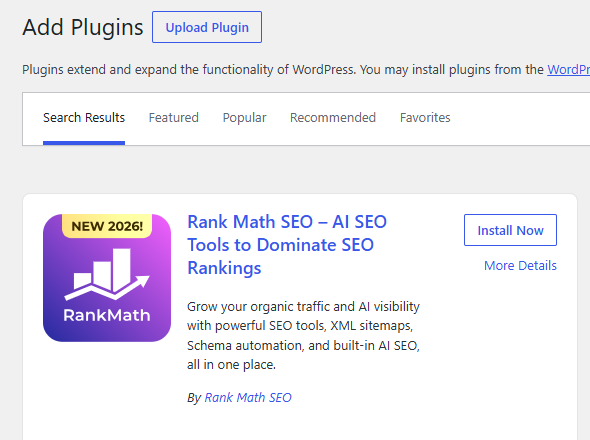
- Click Install Rank Math. WordPress opens Add Plugins with Rank Math SEO first.
- Click Install Now, then Activate.
- Follow Rank Math’s short setup. The free plan is all your team needs.
Site Kit by Google
Site Kit is Google’s free WordPress plugin. It connects your Google Search Console, so your team sees the searches you show up for, your clicks, and pages stuck on page 2. It only reads.
The row’s button says Install Site Kit, or Open Site Kit if it is installed but not connected yet. Once Search Console is connected, the row says Connected.
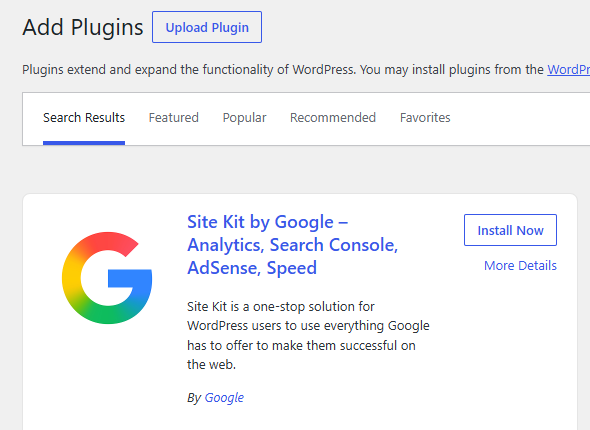
- Click Install Site Kit, then Install Now and Activate.
- Site Kit opens. Click Sign in with Google and pick the Google account that owns your website in Search Console.
- Tick each box Google asks about and click Continue. Site Kit checks that you own the website.
- When Site Kit lists what to connect, keep Search Console on and finish. Back in Getting started, the row says Connected.
If the row says Can’t read yet
Site Kit is connected, but Claude or ChatGPT signs in to your website as a WordPress user who can’t read it yet. The row names that user and shows one of these fixes:
- Share it with their role: in Site Kit, open Dashboard, click the share icon at the top right, and add the role to Search Console.
- The owner signed out: the person who connected Search Console in Site Kit is no longer signed in to Google there. Ask them to open Site Kit and sign in with Google again.
- Not opened yet: a user who isn’t an administrator must open Site Kit once. Sign in to WordPress as that user, open Site Kit and click Go to dashboard.
After your first audit
If the audit couldn’t use Search Console, the row says why: for example “Your last audit got no data back for the last 28 days. That’s normal on a new site.”, or what the audit said in its own words.
More from Site Kit
Two more Google services make your team better. Connect them in Site Kit → Settings → Connect More Services:
- PageSpeed Insights: lets your SEO Auditor test how fast your pages load.
- Google Analytics: fills in the traffic breakdown on Reports: how visitors found you, their country and their device.
Penalties and security check
Google tells you in Search Console if it has penalized your website or found it hacked. No employee can read these two pages, so you look once.
- Click Google Search Console in the row. Sign in with the Google account that owns your website and pick your website at the top left.
- In the menu on the left, under Security and manual actions, click Manual actions. It should say No issues detected.
- Click Security issues just below. It should say No issues detected too.
- Click I checked, no issues. If either page lists a problem, click I found an issue and tell your SEO Auditor the next time you run it.
The row then says You checked: no issues or You found an issue. Click Check again whenever you look again.
Google Drive
Your SEO Auditor saves a copy of each monthly PDF report in your Google Drive. Connect Drive in the app you use, then click I’ve done this. The row says Connected, with Undo if you clicked it by mistake. Not using Drive? Click Skip for now (and Undo skip to bring the row back).
In Claude
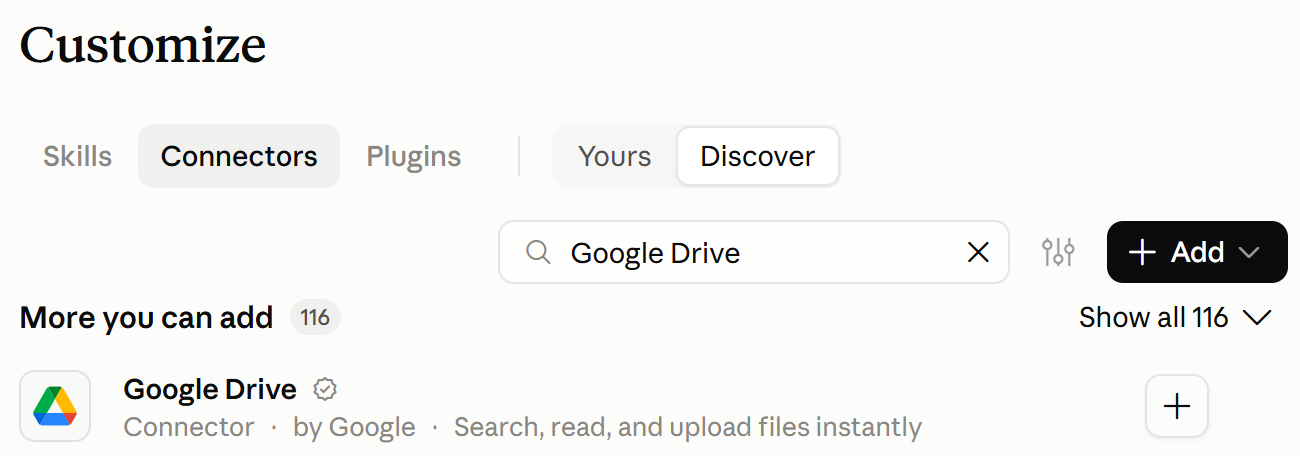
Click Customize, then Connectors. Search for Google Drive and click +. Sign in with Google and allow access.
In ChatGPT
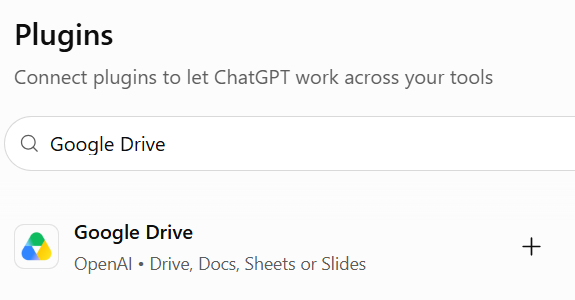
Click Plugins in the menu on the left. Search for Google Drive and click +. Sign in with Google and allow access.
Good to know: If you choose A Google Sheet as the place an employee sends its reports or leads, it also needs the Google Drive connector in Claude or ChatGPT.


