Working in a Claude Project? You don’t need to upload your business details, writing samples or brand files to it. One line in the project’s instructions loads them from your website. 📁
- Open Getting started and go to step 5. At the bottom, find the box titled Claude Projects (marked Optional) and click Copy.
- In Claude, open your project and paste the line into the project’s instructions.
- Do the same for each project you use.
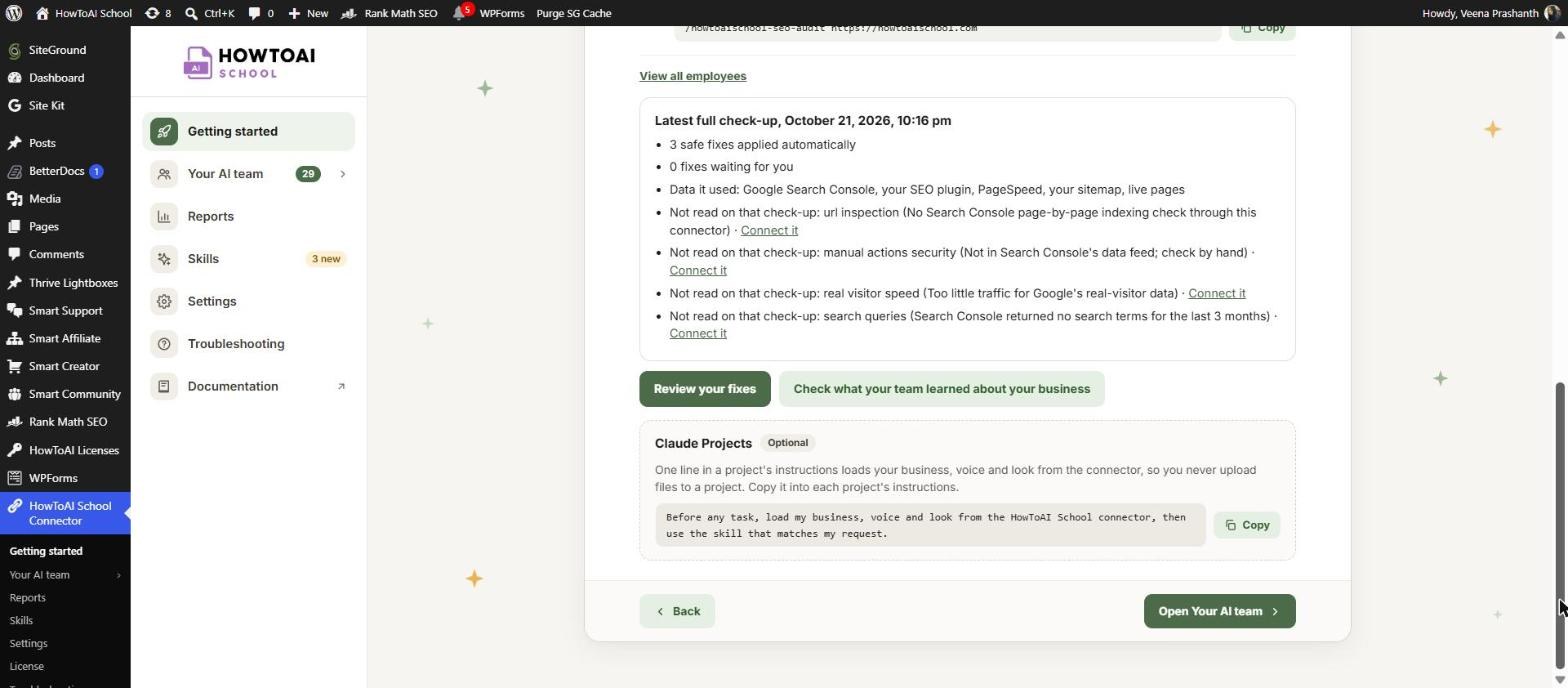
The line is: “Before any task, load my business, voice and look from the HowToAI School connector, then use the skill that matches my request.”
It asks Claude to read your team’s memory from your website before any task, then use the skill that matches your request. When you change something under Settings, every project picks it up on its next task, with nothing to upload again.
Good to know: This box is for Claude only. Your website’s connector must be switched on in the project’s chats. Using ChatGPT? See Use your team in ChatGPT.


