Smart Prompt is a skill that turns a rough request into a clear one, then does the work. It is what you would hand a new team member on their first day: what to do, an example of good work, what never to do, what they may touch, and when to come back and ask. Most prompts stop after the first part. The other four are where the quality comes from. ✍️
What it does
- Rewrites a vague task as a Smart Prompt, in five labelled parts.
- Asks only the questions that change the result, three at most.
- Does the work straight away, so you get the email, page or plan, not just a better prompt.
- Fixes a prompt you already have, and says what it did well and what was missing.
- Builds prompts that run again and again, such as a project’s instructions or a scheduled task, with what to read and check each time.
When to use it
- You want to write, fix or improve a prompt.
- You have a real task but haven’t said who it is for, what it is for, or what it should look like, and a guess would hurt the result.
- The prompt will run more than once: a project’s instructions, a scheduled task or one of your own AI employees.
Skip it for quick, clear requests, like a fact or a one-line fix. Just ask for those.
What you need first
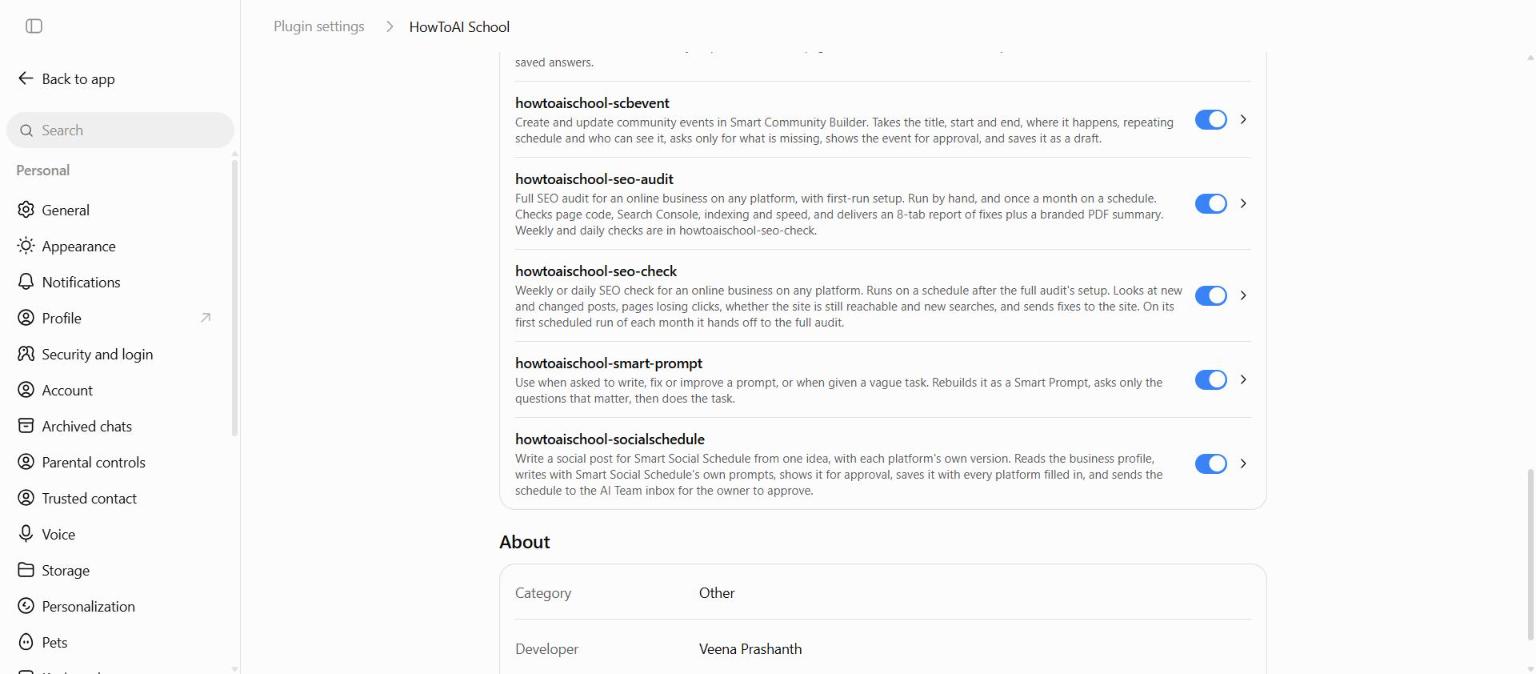
Smart Prompt comes in your skills plugin with the rest of your team. See Add your skills plugin. It works in Claude and ChatGPT. When your website is connected, it can read your business details from there, so you don’t repeat them.
How to start it
- Start a new chat in Claude or ChatGPT.
- Type
/howtoaischool-smart-promptfollowed by your request, or just ask for help with a prompt in plain words. In ChatGPT, type the full command and press Enter twice. - Answer its questions, if it has any.
Example requests:
/howtoaischool-smart-promptWrite a reply to a customer who can’t open their lessons.- “Improve this prompt: write me a sales email for my course.”
- “Just write the prompt: a weekly check of my top 5 pages in Google.”
How it works
1. A thing, or a result?
First it decides what you are after. A thing is something to read or use, like an email or page copy: the prompt ends when it is delivered. A result is a change in your business, like more sales or ranking for a search. One prompt can’t get there, so it builds a loop: what gets done, what gets checked, how often, who approves, and which number shows it worked. If you ask for a thing but clearly want a result, it says so in one line.
2. It looks before it asks
It reads what is already known: your files and project notes, anything you attached or linked, earlier chats, connected apps such as your website, and live pages when the answer depends on current facts. It never asks something these already answer.
3. It asks what matters, three questions at most
Only questions whose answer would change the result a lot, one at a time, each with two or three suggested answers and its own pick first. It picks from: the goal, who the reader is, what matters most, what is in or out, what proof you can use, what it may do without asking, and where the result ends up. Say “not sure” and it uses its pick and tells you. In Claude the answers are buttons. In ChatGPT they are lettered options: type the letter or your own answer.
4. It writes the Smart Prompt
You see the prompt in a quote box, with five labelled parts:
- The work. Who to be, what to make, for whom, and where it ends up.
- What good looks like. An example of your own work that hit the mark, the facts it needs and where to check them.
- Not me. What it must never say or do: your banned words, the wrong tone, and never made-up numbers, quotes or testimonials.
- What it can touch. Read only, draft only, or more, and what waits for you, like publishing or sending.
- When to stop and ask. A missing fact, a price it can’t confirm, a choice that can’t be undone.
Then the shape of what comes back: length, format and a fixed layout when there are several items. A prompt that runs again also gets what it reads each run, a short log of what changed, and the number to check.
5. It does the work
It delivers the work straight away, without stopping to ask whether to go ahead, and ends with one line offering to adjust the prompt if the result missed.
If you only want the prompt
Say “just write the prompt” or “fix this prompt”. You get the Smart Prompt and nothing else. When it fixes your own prompt, it tells you in a few lines what the prompt already did well, which of the five parts were missing, and what it changed.
Tips
- Paste a real example of your own work that you liked. It teaches more than a page of rules.
- Have a line that sounded wrong for you? Add it. One bad example shows the tone to avoid better than any description.
- Reuse a good prompt: paste it into a project’s instructions in Claude or ChatGPT, so every chat starts from it.
Good to know: Every Smart Prompt tells the AI never to invent numbers, quotes, results or testimonials, and to say “I couldn’t confirm this” instead of guessing. Still check any fact before it goes out to your buyers.


